Privacy toolkit01
Complyra.
by Tool Studio
Share the document. Keep the private details.
For freelancers, support teams, and small businesses sharing documents, screenshots, or examples.
Redact a documentExplore Complyra
Billora by Tool Studio · GST invoice maker
For Indian freelancers, consultants, and small businesses that need an invoice without a full accounting setup.
Create an invoiceFree browser tools · No signup
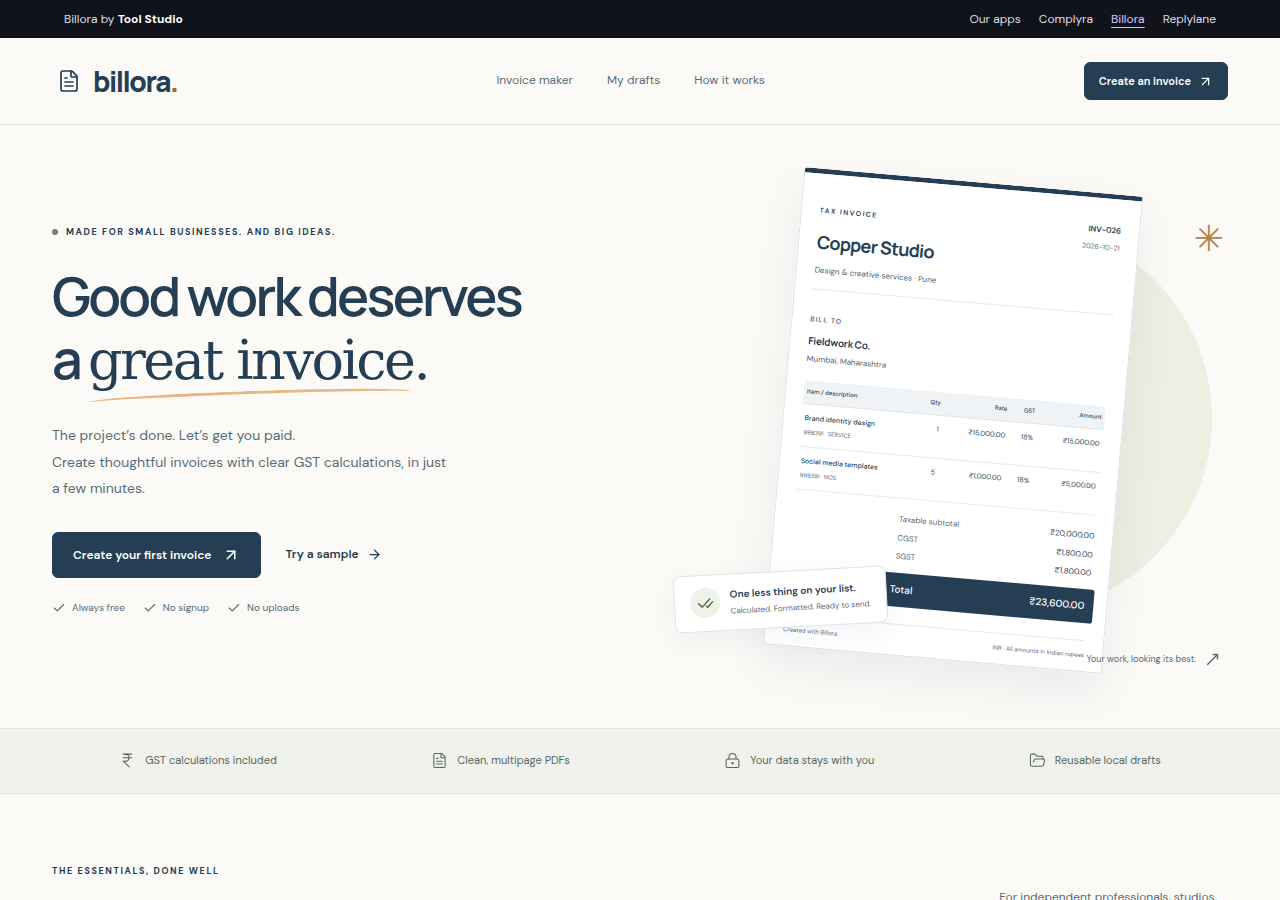
A look inside Billora. Example content shown.
A practical walkthrough · 5 min
Work through a sample invoice, review the tax split and totals, export a PDF, and reuse a saved draft without carrying over old payments.
Enter line items, discounts, and place of supply. Review CGST with SGST or UTGST, or IGST, before you export. Use simple invoice mode when appropriate.
Choose an invoice style, add your payment terms, and include a UPI payment QR. Preview the amounts and download the PDF from your browser.
Save a draft on this device, reuse it as a new invoice, export a backup, or bring line items in from CSV. Your customer and business details stay in your browser.
Open it. Try it. Make it yours.
No. Billora creates an invoice PDF. It does not register invoices with an Invoice Registration Portal, generate an IRN, file GST returns, or produce an IRP-signed QR code.
It helps a customer open a UPI payment with the payment details you provide. It is a payment QR, not a GST e-invoice QR. Billora does not receive funds or confirm that payment succeeded.
No. Drafts stay in the browser and site address where you saved them. Export a backup before changing browsers, clearing storage, or moving from the old Billora address.
Read Billora’s privacy information before working with sensitive content.
No account to create. Start with one task.
by Tool Studio
Share the document. Keep the private details.
For freelancers, support teams, and small businesses sharing documents, screenshots, or examples.
Redact a documentExplore Complyraby Tool Studio
Start with context. Have a better conversation.
For service businesses, agencies, and independent professionals who receive enquiries on WhatsApp.
Build a WhatsApp formExplore Replylaneby Tool Studio
Find the failed event. Get back on track.
For developers testing Stripe, Razorpay, and custom webhook integrations who want to see what failed and try a recovery.
Email to try the betaInvite-only. Email [email protected] to request access.
Explore EventRail